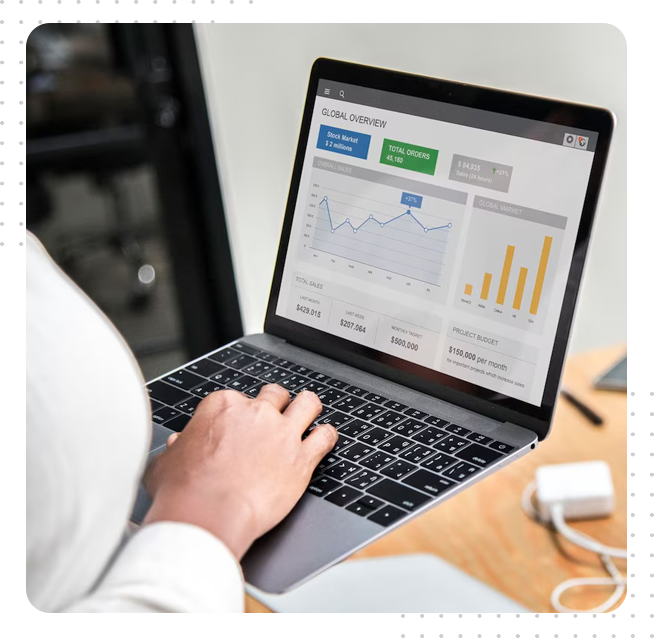

Organisations work with large volumes of information every day. Contracts, reports, invoices, forms and archived records all contribute to business operations. When these documents are stored in different formats, finding and using information can become time-consuming.
Document management technology helps businesses organise information, improve accessibility and reduce repetitive administrative work. Optical character recognition (OCR) is one important technology in this area because it can convert scanned documents and images into searchable text.
Understanding Optical Character Recognition
OCR technology identifies printed or handwritten characters in an image or scanned document and converts them into machine-readable text. Instead of treating a scanned page as a simple picture, an OCR application analyses its contents and attempts to recognise the words and characters.
This can make documents easier to search, edit and process. For example, a business may scan paper invoices and use OCR to extract supplier names, dates and other information.
The accuracy of recognition depends on several factors, including image quality, document layout, font style and language. Poorly scanned pages, unusual fonts and handwritten notes can make recognition more difficult.
Why Businesses Use OCR
Many organisations still receive information in paper form or as scanned files. Manually typing this information into a digital system can take considerable time and may introduce errors.
OCR can help reduce repetitive data entry and make existing documents more useful. Common applications include:
- Converting paper records into searchable files
- Extracting information from invoices and receipts
- Digitising contracts and business correspondence
- Making archived documents easier to retrieve
- Supporting document review and administrative workflows
The technology is particularly useful when organisations need to process large collections of documents.
Improving Document Search and Retrieval
Searching through physical folders or image-only PDFs can be difficult. OCR adds a searchable text layer to scanned documents, allowing users to locate words and phrases more efficiently.
This can be valuable for legal departments, financial teams, educational institutions and organisations with extensive archives.
However, searchable text does not automatically guarantee that the extracted information is correct. Important records should be reviewed, especially when the content is used for financial, legal or regulatory purposes.
Integrating OCR Into Existing Workflows
OCR is most useful when it fits into a wider document management process. Businesses should consider how documents are received, scanned, classified, reviewed and stored.
For example, an organisation may scan incoming forms, use OCR to extract relevant fields, and then transfer the information into a document management system.
Before implementation, it is worth identifying the document types and languages that need to be supported. The organisation should also establish quality checks to identify recognition errors.
Security and Data Protection
Digitised documents may contain personal, financial or confidential business information. Organisations should therefore consider access permissions, encryption, backup procedures and retention policies.
Employees should only have access to information required for their responsibilities. Sensitive documents should be stored in approved systems rather than scattered across personal devices or unprotected folders.
OCR software should also be evaluated according to its data handling practices, particularly when documents are processed through external services.
Choosing Suitable Document Recognition Software
Different OCR applications offer different capabilities. Some focus on converting scanned pages into editable files, while others provide advanced document conversion, layout preservation and automated processing features.
When comparing solutions, businesses should assess language support, output formats, batch processing, integration options and accuracy on their own documents.
Organisations exploring abbyy hk can review the available product information and consider how document recognition software may fit their operational requirements.
A practical evaluation using sample documents is often more useful than relying only on a feature list. It helps teams understand how the software performs with their actual files.
Preparing for Successful Implementation
Technology alone does not create an efficient document process. Staff need clear instructions on scanning standards, file naming, document classification and quality review.
It is also useful to begin with a limited project, such as digitising one department’s archived invoices. The organisation can measure processing time, recognition quality and user experience before expanding the system.
Regular reviews help identify new requirements and opportunities for improvement.
FAQs
1. What is OCR used for?
OCR converts text found in scanned documents and images into machine-readable content. It can make files searchable and support editing or data extraction.
2. Can OCR recognise every scanned document accurately?
No. Accuracy depends on image quality, language, font, layout and other factors. Important information should be checked after conversion.
3. Is OCR useful for small businesses?
Yes. Small businesses can use OCR to organise invoices, receipts, contracts and other records. The most suitable solution depends on document volume and workflow requirements.
Conclusion
OCR technology can make business documents easier to search, organise and process. Its value depends on selecting appropriate software, maintaining document quality and establishing reliable review procedures. With a clear implementation plan, organisations can improve information access while reducing repetitive administrative w